Key facts
- No mandatory account does not mean no processing or storage: the service still needs enough temporary state to handle the video and recover the job.
- Check whether you can preview the complete video, along with the export format, price and recovery method, before uploading important footage.
- Subvo's standard flow uses secure job and recovery links instead of requiring a creator account.
Quick summary
A no-sign-up caption tool can remove account friction, but the important questions are what you can check before paying, how you recover the job, and what the downloaded file contains.
You have a finished short-form clip and need captions before posting it. Creating an account can feel disproportionate when the task is a single export. It also introduces another password, another set of emails and another service relationship to manage.
A no-sign-up workflow can be quicker, but do not treat it as proof that a service is private, free or temporary. Account design, pricing and data handling are separate choices. Judge each one directly.
What 'without sign-up' should mean
Some tools let you start as a guest but require an account at export. Others permit a free test without registration but gate the useful resolution or caption style behind a login. A genuinely account-optional workflow should be clear from upload through download, not only on the landing page.
- Can you upload and generate the first caption result without registering?
- Can you see the price and export terms before giving contact details?
- Does checkout require a product account, or only the information needed by the payment provider?
- Can you return to an in-progress paid job without a dashboard?
- How is the finished download recovered if the tab closes?
No account also changes recovery. An account-based product can place old projects in a dashboard. A guest workflow normally relies on browser state, a job token, a secure email link or a combination of these. That can be convenient, but the link may grant access to the job. Treat it like a private document link rather than a public URL.
Check the caption result before the checkout
Low account friction is not useful if you must pay before seeing any evidence of the result. Automatic captions depend on the recording: quiet voices, overlapping speakers, loud music and specialist names can all affect the words. A meaningful preview should help you judge the audio and caption treatment available at that stage.
Ask exactly what the preview represents. Can you play the complete video and inspect timing as well as styling? Does the tool allow transcript correction, or is it a preview-and-export service? Clear capabilities are more useful than a vague promise to preview the result.
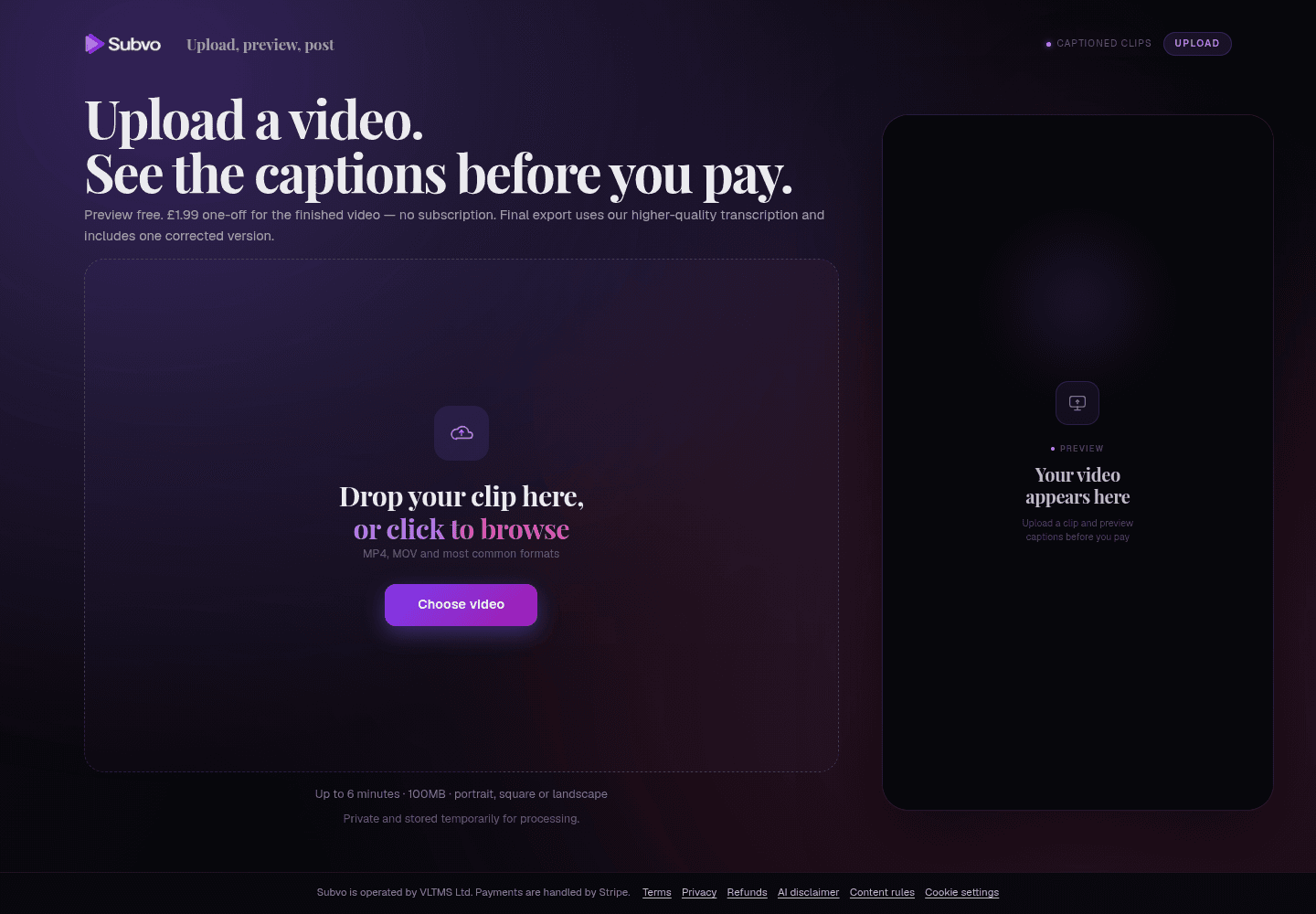
Subvo creates a free whole-video browser preview before payment. You can play the complete captioned clip, inspect timing and styling in different scenes, and choose from the supported controls without creating a mandatory account. Automatic transcription can still contain errors, and the preview-before-payment guide explains how to review it without treating it as a guarantee.
Compare the real cost, not the word 'free'
A free preview and a free finished export are not the same thing. Before investing time in styling, find the final price, whether it repeats monthly, whether a watermark applies and what is included in the downloaded file. If the site hides these details until late in the flow, account-free access has not removed much uncertainty.
| Question | Why it matters | Useful answer |
|---|---|---|
| What triggers payment? | You need to know what can be judged first. | The preview boundary and paid step are stated before upload. |
| One-off or recurring? | A cheap first export can still start an ongoing plan. | The checkout clearly says pay per export or subscription. |
| What is downloaded? | A transcript, subtitle file and captioned MP4 solve different jobs. | The format, caption type and availability window are explicit. |
| What if processing fails? | Guest users may not have a project dashboard. | Recovery and support routes are explained before payment. |
Subvo currently presents a free whole-video preview and a one-time £1.99 payment for the finished captioned MP4. It does not present a monthly subscription. The pricing page is the current source for that offer.
Understand privacy without an account
Not collecting a product login can reduce one category of personal data, but the video still has to travel through a processing system. The service may temporarily hold the source file, extracted audio, transcript, captions and rendered output. Payment, hosting, storage, email and analytics providers may also be involved.
Read the policy rather than inferring privacy from the interface. Look for retention periods, deletion behaviour, training terms, international transfers, browser storage and the providers used. Our AI video captioning privacy checklist gives you a reusable set of questions.
Choose for the whole workflow
A focused caption generator is most suitable when the video is already edited. If you still need to cut scenes, mix audio, add graphics, correct every transcript word or collaborate with a team, a fuller editor may justify creating an account because the saved workspace has real value.
If captions are the only unfinished task, start with the finished clip and clear speech. Play the whole preview, inspect different moments and backgrounds, choose a readable style, confirm the export and price, then keep any recovery link until the download is safely stored.
Subvo fits that narrower situation. You can start the standard upload flow without creating an account, preview the complete captioned video, choose preset, impact, size and a supported auto, top or bottom placement, then decide whether to pay for the final export. The final pipeline may provide improved transcription accuracy and sharper rendering, but neither stage guarantees perfect transcription. Start only when you are comfortable with the current privacy terms.
Plan for recovery before an important job
A guest workflow is easiest when everything finishes in one sitting, but real uploads encounter weak connections, closed tabs and payment returns. Before using a deadline-sensitive clip, find out whether the browser can resume the upload, whether a paid job continues after the tab closes and how the service reconnects you to the finished file.
Keep the original video until the captioned download has been checked and backed up. Do not rely on a temporary processing service as the only copy. If the product sends a recovery email, confirm the address carefully at checkout and keep the newest link; older links may expire or point to superseded state.
For shared client work, decide who will hold the recovery link and finished file. A no-account flow may not provide team roles, audit history or a shared project list. Those are legitimate reasons to choose an account-based workspace even when a guest tool is faster for personal jobs.
FAQ
Can I generate video captions without creating an account?
Some caption services support a guest or link-based workflow. Check whether sign-up is optional for preview, payment and download, because a tool may allow an upload before requiring an account later.
How can a caption job be recovered without a login?
A service can use browser storage and secure job or recovery links. Keep those links private and use the same browser until you know how the service handles interrupted uploads, payment returns and downloads.
Does no sign-up mean the video is not stored?
No. Account requirements and data handling are separate questions. Read the privacy policy for upload, transcript, output and payment retention, plus the providers involved in processing.
Subvo
Start without creating a Subvo account.
Use the guest upload flow, keep your recovery link private, and pay £1.99 only if you choose the finished captioned MP4.
Related posts
How private is AI video captioning? A creator's checklist
AI captioning is not simply private or public. Check where transcription happens, what files are retained, who processes them, how access works, and whether media is used for model training.
Pay-as-you-go video captioning vs monthly subscriptions
Pay per export when caption jobs are occasional and already edited; consider a subscription when frequent publishing, saved projects, collaboration or broader editing tools justify the recurring cost.
How to add captions to a video online
You do not need to reopen a full editing project just to add captions. Upload the finished clip, preview the complete video, choose a readable style, and export when ready.